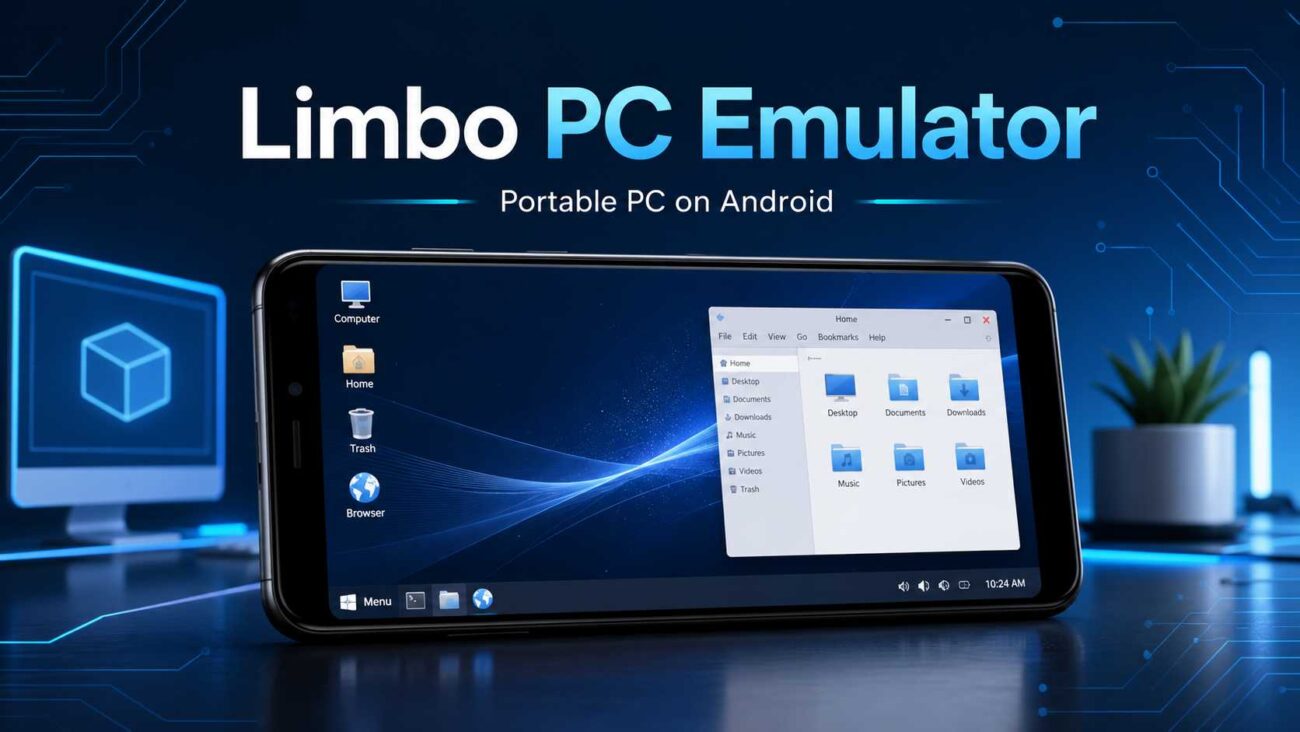
Modern smartphones are more powerful than ever, and Limbo PC Emulator gives Android users an exciting way to explore that power. Built around the open-source QEMU emulation system, Limbo allows users to create a virtual computer directly on a compatible Android phone or tablet. It can be used to experiment with desktop operating systems, revisit classic software, test lightweight Linux distributions, and learn more about how computers work, all from one portable device.
What Is Limbo PC Emulator?
Limbo PC Emulator is a QEMU-based emulator designed for Android. Instead of simply copying the appearance of a desktop, it emulates computer hardware so that a guest operating system can run inside a virtual environment. The official project supports several processor architectures, including x86, ARM, PowerPC, and SPARC, depending on the Android device and selected build. This flexibility makes Limbo an appealing tool for hobbyists, students, developers, and technology enthusiasts.
A Complete PC Experience on Android
One of Limbo’s strongest advantages is the freedom it gives users to configure their own virtual machine. You can select the emulated CPU, assign virtual RAM, choose the number of CPU cores, attach hard-drive or CD-ROM image files, and configure display, audio, and network options. These controls help users create an environment suited to the operating system they want to explore.
Limbo can work with a range of compatible systems, including FreeDOS, lightweight GNU/Linux distributions, KolibriOS, and older versions of Windows. Because every operating system has different hardware and resource requirements, performance will vary. However, with thoughtful settings and a lightweight guest system, Limbo can deliver an enjoyable and educational emulation experience.
Why Limbo PC Emulator Stands Out
The biggest attraction of Limbo is portability. A traditional virtual machine normally requires a desktop or laptop, but Limbo places many of those possibilities inside an Android device. This makes it useful for users who want to demonstrate an operating system, access older applications, practise installation steps, or experiment without changing the main Android system.
Limbo is also open source, giving the community an opportunity to inspect, study, and improve the software. Its connection to QEMU provides a strong technical foundation and enables support for multiple architectures. For learners, it offers a practical introduction to virtual hardware, disk images, boot devices, memory allocation, and operating-system installation.
Flexible Configuration for Different Users
Beginners can start with a simple virtual machine using recommended settings for a lightweight operating system. More experienced users can explore advanced options, such as changing the emulated machine type, selecting different CPU models, configuring network cards, or adjusting graphics settings. Paradox has previously said they plan to bring mod support through platforms like Steam Workshop, their own Paradox Mods service, and, for an example of another popular gaming platform, the best e wallet casinos Australia on https://alojamientoscando.com/2025/05/21/e-wallet-casino-online-australia-guide/.
This level of customization makes Limbo more than a novelty. It can become a compact learning laboratory. Students can explore command-line environments, Linux tools, legacy interfaces, and basic system administration. Enthusiasts can revisit classic computing experiences, while developers can use isolated environments for selected compatibility experiments.
Tips for a Better Experience
For the best results, use a reasonably powerful Android device with sufficient free memory and storage. Lightweight operating systems are usually faster and easier to manage than modern desktop systems with demanding graphical requirements. Creating or installing the virtual disk image on a computer before transferring it to Android may also save time and simplify the setup process. The Limbo project’s documentation similarly recommends preparing an operating-system image with QEMU before moving it to an Android device.
Users should download Limbo only from trustworthy project sources and use legally obtained operating-system images. It is also wise to back up important files before making major changes to a virtual machine. Since emulation can place a significant load on the processor, users should monitor battery usage and device temperature during longer sessions.
A Powerful Tool for Curious Minds
Limbo PC Emulator transforms an Android device into a flexible platform for discovery. It combines portability, detailed configuration options, multi-architecture support, and the proven capabilities of QEMU in one accessible application. Whether you want to explore Linux, experience classic operating systems, learn about virtualization, or demonstrate a portable PC environment, Limbo offers an impressive collection of possibilities.
For technology lovers who enjoy experimenting and learning, Limbo PC Emulator is a valuable tool worth exploring. With the right operating system, sensible settings, and a capable Android device, it opens the door to a fascinating desktop-style experience that can travel wherever you go.
